The Formatting Has Begun
While I’m busy with life and a few other projects, I’ve finally found time to start formatting the first novel I’ll self-publish. This is not a detailed guide on how to do it. Other people do that way better than me. I’m following the Kindle Direct Publishing Guide, which is excellent because it includes step-by-step written instructions (card-carrying member of the anti-video instruction club over here).
This is, however, a post about Microsoft Word. I’ve used Word long enough to know its quirks, but if you haven’t, it goes something like this:
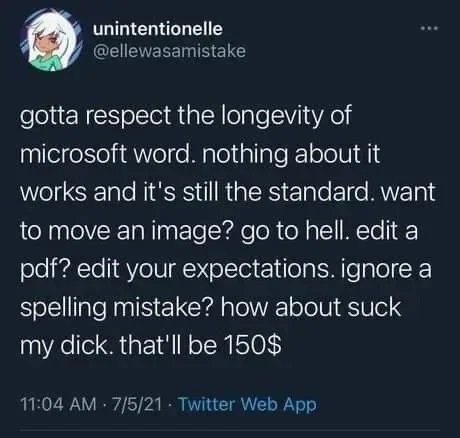
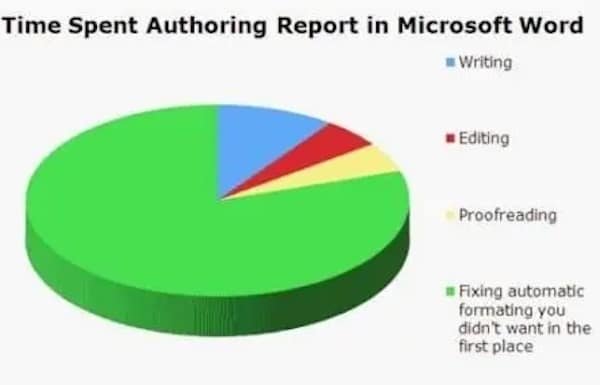
So yeah, that’s what’s up. Did I have all the chapter headings centred? Yes. Did they un-centre themselves when I changed the font, paragraph indent, and spacing? Yes. Do I have to now go through the whole document and re-centre them all? Also yes. Thankfully novels don’t have any images or we’d be here for months.
Seeing my novel some to life in a book format is gratifying, though. Despite its quirks, Word really is a great program for writing. Call me silly, but I had no idea you could change the page size. You should keep it standard-sized (8.5 x 11) for submitting to publishers, of course, but if you’re self-publishing, making it novel-sized is really cool.
The style guide recommends Garamond font, but I hate the look of it, so I’m going with Georgia. Fonts are a bit of a black hole of distraction for me, because I love them and can spend hours looking through different ones, trying to find one that looks just right. I write in Times New Roman, but for the book, I just picked one of the fonts available on Microsoft Word and went with it.
As I’ve moved down the list of things to format, I’ve run into the following problems:
When I change the chapter title to heading style, for some reason it removes the page break, and if I put the page break back in, it adds an extra line on the following page.
Solution: Just go with the extra line and save yourself a headache.
There is no way to visually show the page breaks under any setting whatsoever so you just gotta, you know, hope you didn’t accidentally undo them when you were undoing something else.
Solution: The page breaks magically appeared the third time I toggled on the formatting marks. Amazing.
When looking for a copyright template to insert into the copyright page, I’ve discovered that 99% of all templates online are American. The one Canadian template is geared towards nonfiction.
Solution: Eventually I just pieced together one that includes the part about it being a work of fiction.
And we’re only halfway through this bad boy, kids. Wish me luck.